Sale Price:
$9.99
Original Price:
$24.95
five lightroom presets built around the colours and mood of my night photography. made for quiet streets, glowing shopfronts and ordinary places that feel a little off after dark.
these are the presets i use on my own photos, with five different looks to work with: black & white gloom, blue gloom, green gloom, orange gloom and red gloom.
you’ll get all five presets as .xmp files, plus a simple pdf guide covering installation and how to get the most out of them. suitable for lightroom classic on desktop, lightroom on desktop and compatible versions of lightroom mobile.
these are made as a starting point. the colours, lighting and environment in your original photo all affect the result. red gloom might suit one scene perfectly, while blue or green works better on another. not every preset will suit every photo, so try a few and see what works.
for best results, shoot in raw. it gives you more room to adjust exposure and colour afterwards. aim for the lowest iso you can while still getting a properly exposed, sharp photo. don’t leave your shot too dark or use a shutter speed that causes unwanted blur just to keep the iso down.
white or neutral lighting tends to work best. strong colours already in the scene can be harder to shift, so an orange or red preset won’t necessarily turn every light that colour.
when you first apply one, don’t panic if your photo looks really dark or bright. adjust exposure first, then tweak dehaze and white balance as needed. a few small adjustments can make a big difference.
if you get stuck, message me on instagram @neonjuice_ anytime. i’ll get back to you and help you sort it out.
digital download only. adobe lightroom is required and isn’t included.
five lightroom presets built around the colours and mood of my night photography. made for quiet streets, glowing shopfronts and ordinary places that feel a little off after dark.
these are the presets i use on my own photos, with five different looks to work with: black & white gloom, blue gloom, green gloom, orange gloom and red gloom.
you’ll get all five presets as .xmp files, plus a simple pdf guide covering installation and how to get the most out of them. suitable for lightroom classic on desktop, lightroom on desktop and compatible versions of lightroom mobile.
these are made as a starting point. the colours, lighting and environment in your original photo all affect the result. red gloom might suit one scene perfectly, while blue or green works better on another. not every preset will suit every photo, so try a few and see what works.
for best results, shoot in raw. it gives you more room to adjust exposure and colour afterwards. aim for the lowest iso you can while still getting a properly exposed, sharp photo. don’t leave your shot too dark or use a shutter speed that causes unwanted blur just to keep the iso down.
white or neutral lighting tends to work best. strong colours already in the scene can be harder to shift, so an orange or red preset won’t necessarily turn every light that colour.
when you first apply one, don’t panic if your photo looks really dark or bright. adjust exposure first, then tweak dehaze and white balance as needed. a few small adjustments can make a big difference.
if you get stuck, message me on instagram @neonjuice_ anytime. i’ll get back to you and help you sort it out.
digital download only. adobe lightroom is required and isn’t included.

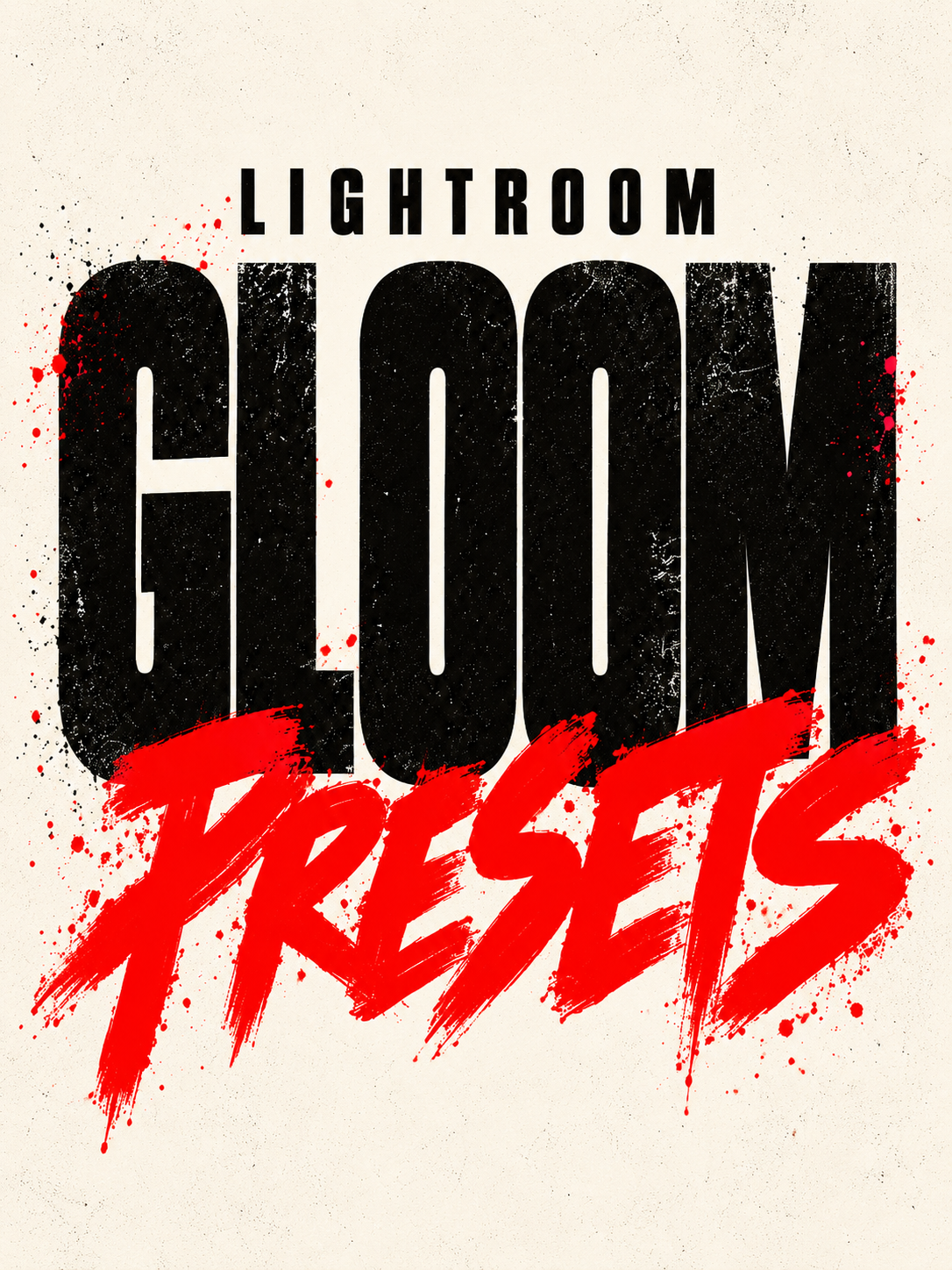 Image 1 of 7
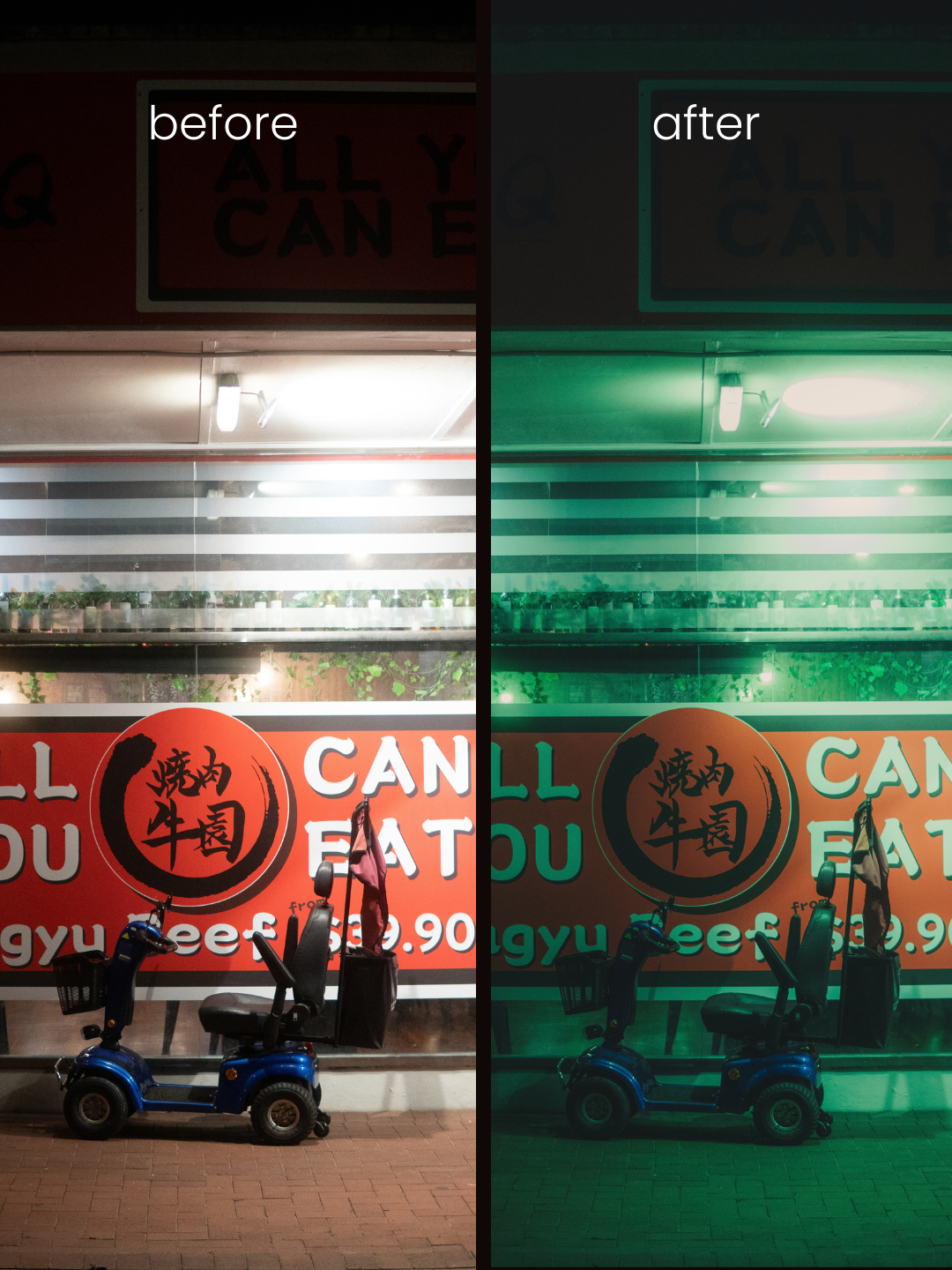 Image 2 of 7
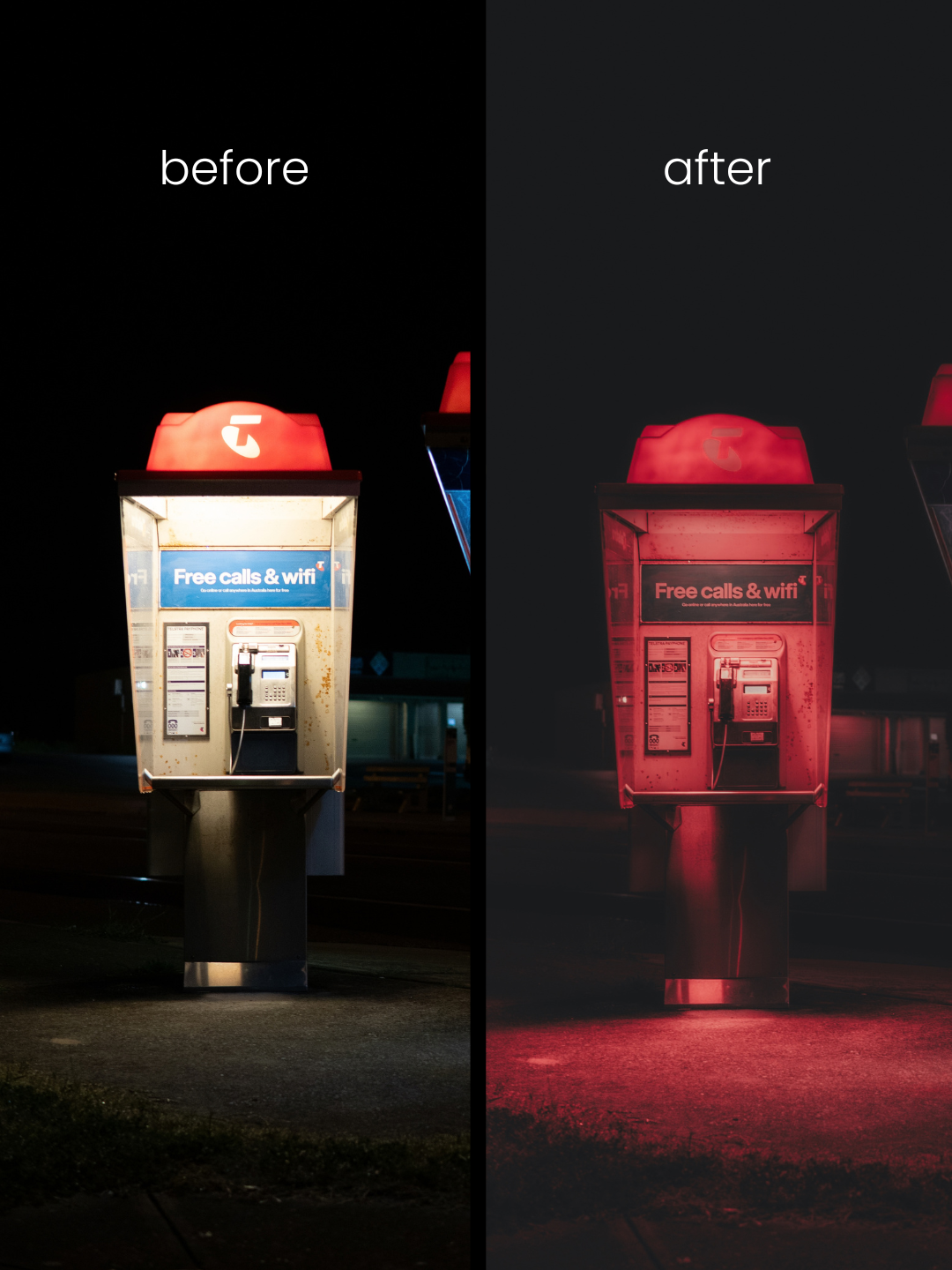 Image 3 of 7
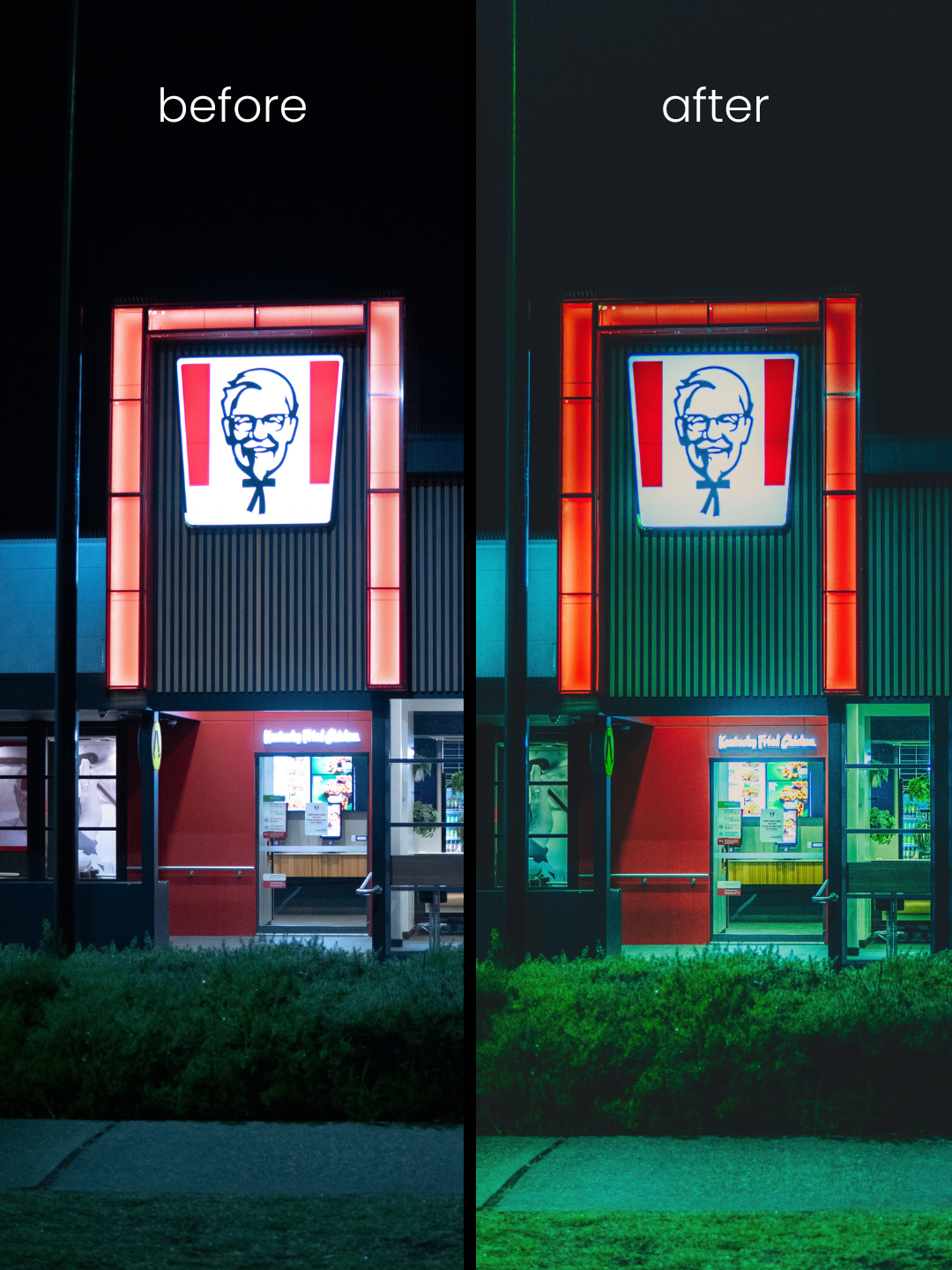 Image 4 of 7
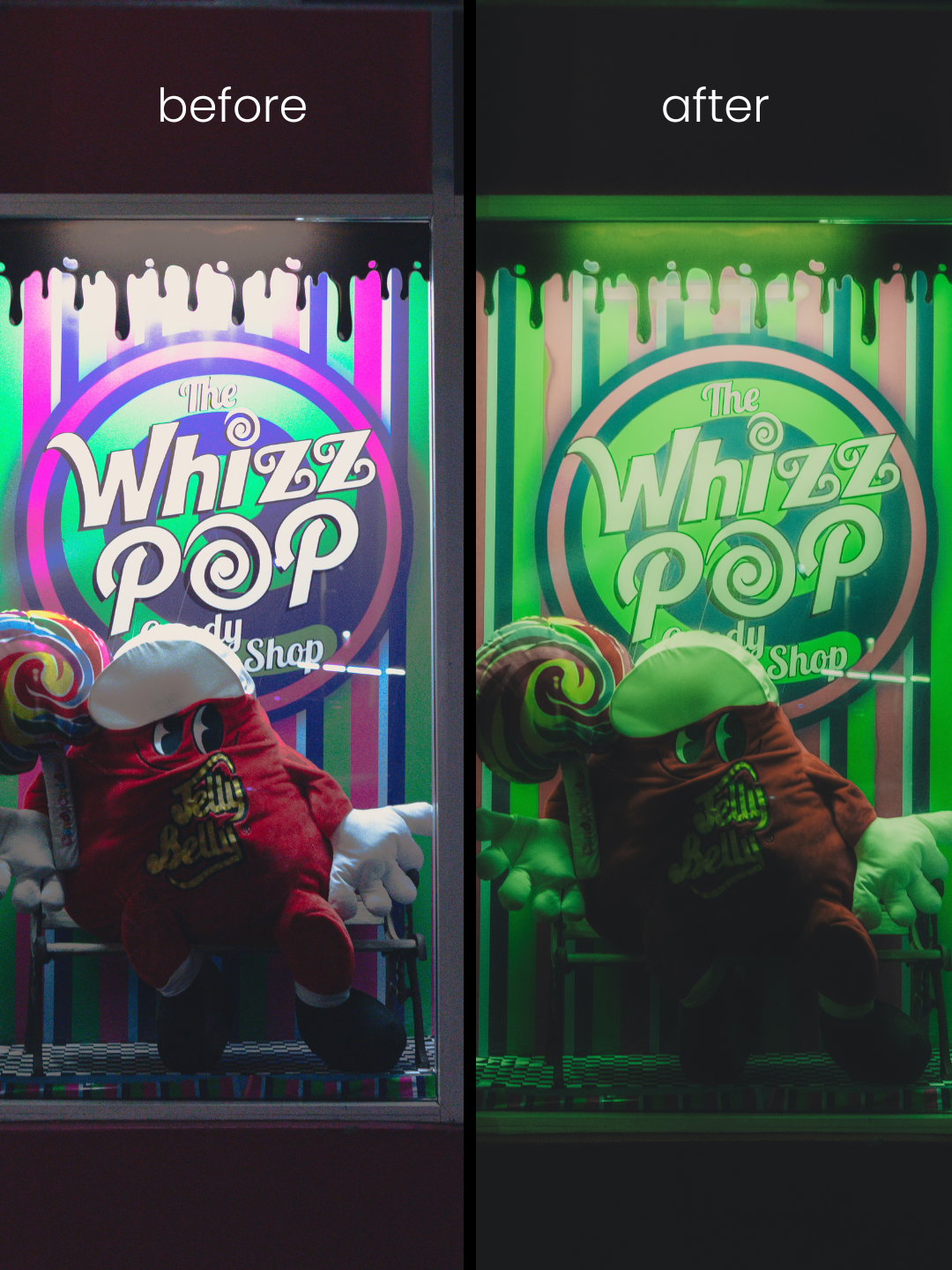 Image 5 of 7
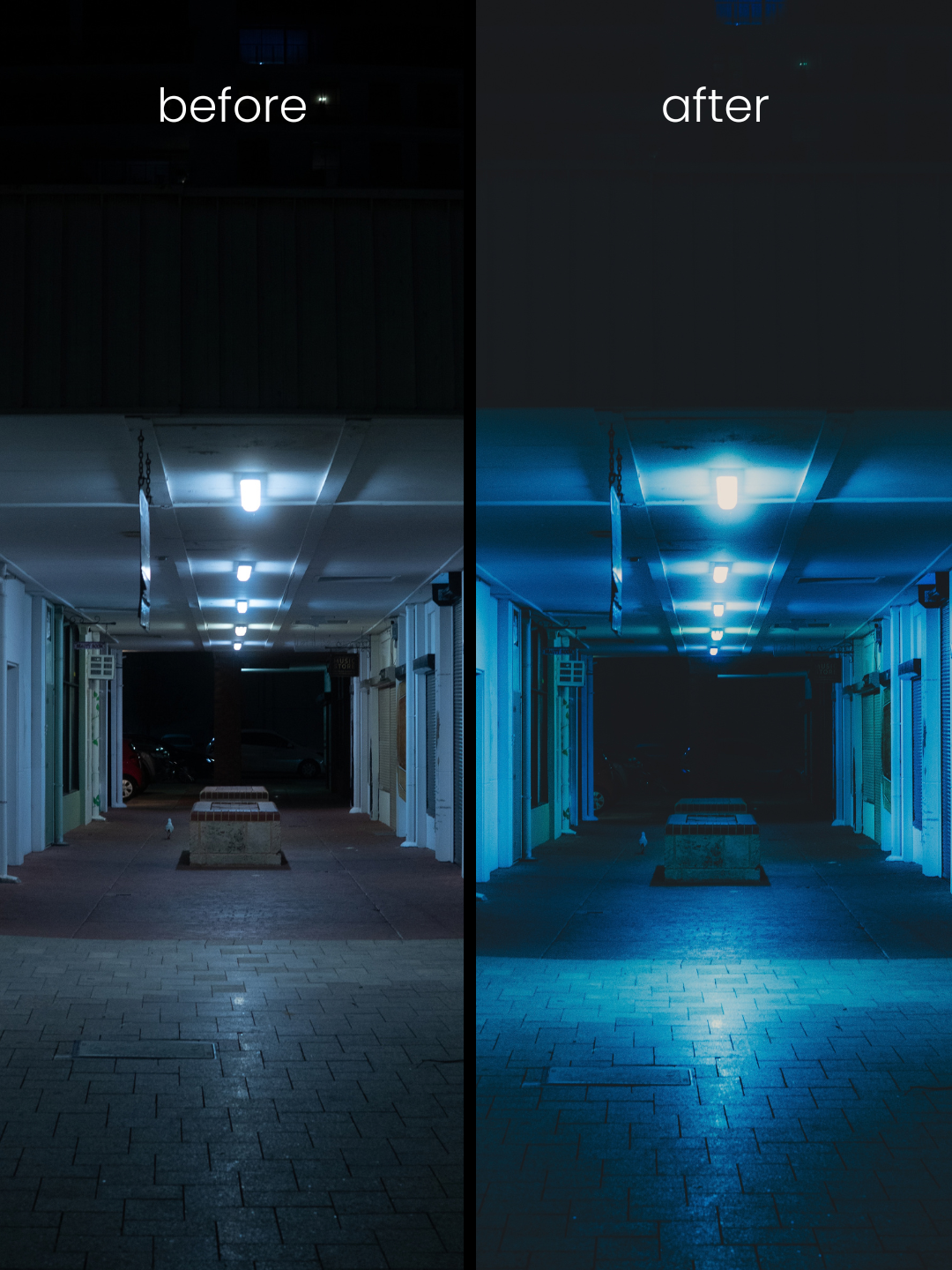 Image 6 of 7
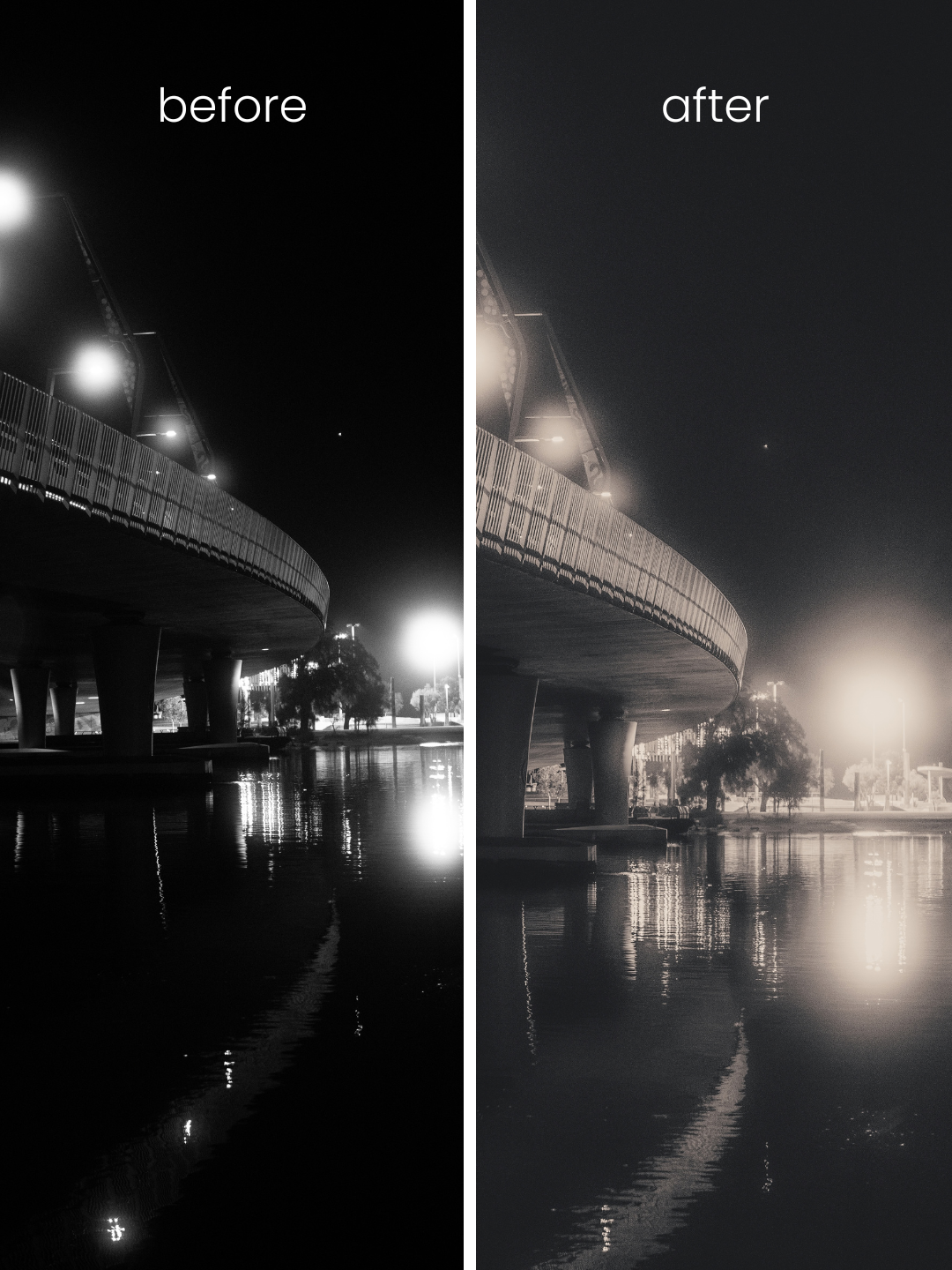 Image 7 of 7